Skip to content
Road Momentum
  • Home
  • F150
  • F250
  • Reviews
Road Momentum
  • How to Easily Reset Backup Camera on Ford F150
    Ford F150

    How to Reset Backup Camera on Ford F150 (By Year & SYNC)

    ByRizon January 7, 2025October 20, 2026

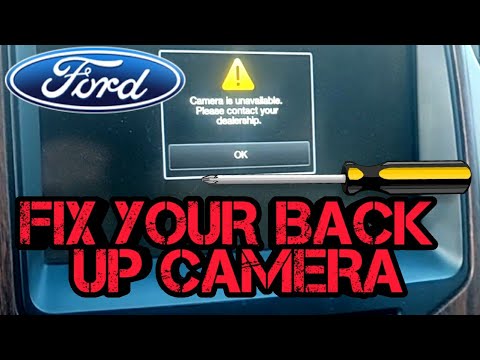
    To reset the backup camera on a Ford F-150, start with the simplest fix: a soft reset of the SYNC system. If that does not work, pull the backup camera fuse, and as a last resort disconnect the battery for a hard reset. The exact fuse number and location depend on your truck’s generation, so…
    Read More How to Reset Backup Camera on Ford F150 (By Year & SYNC)Continue

  • How to Disengage 4 Wheel Drive Ford F150
    Ford F150

    How to Disengage 4WD in Ford F150: Easy Steps to 2H

    ByRizon December 31, 2024October 20, 2026

    To disengage the 4-wheel drive on a Ford F-150, first make sure the truck is stopped or rolling slowly, shift the transmission to neutral, then turn the 4WD selector or shift the transfer case lever from 4H or 4L back to 2H. If the system will not come out of 4WD, the most common causes…

    Read More How to Disengage 4WD in Ford F150: Easy Steps to 2HContinue

  • How to Replace Rear Sliding Window Ford F150
    Ford F150

    How to Replace Rear Sliding Window Ford F150: The Ultimate Guide

    ByRizon December 29, 2024April 25, 2026

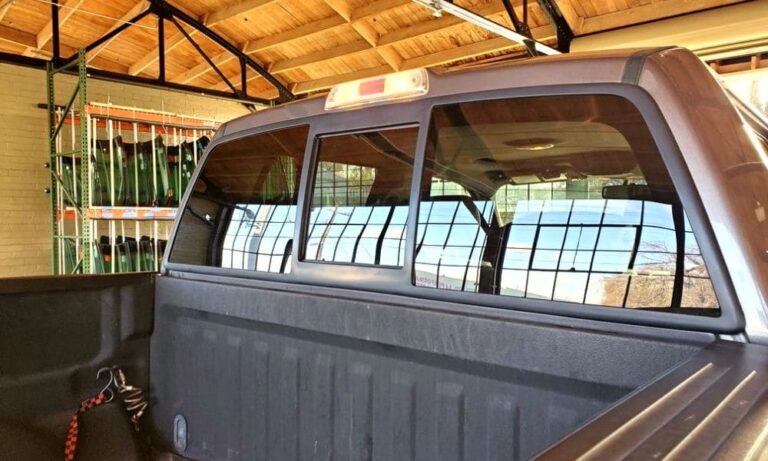
    To replace the rear sliding window on a Ford F150, locate and remove the screws on the window frame, slide out the broken pane, clean and inspect the frame groove, slide in the new glass pane, and drive the screws back into the frame corners. This process allows for a straightforward replacement of the rear…

    Read More How to Replace Rear Sliding Window Ford F150: The Ultimate GuideContinue

  • How Does Ford F150 Auto Start-Stop Work
    Ford F150

    How Does Ford F150 Auto Start-Stop Work? Explained!

    ByRizon December 21, 2024September 17, 2026

    The Ford F150 Auto Start-Stop feature activates when the brake pedal is pressed and held, and automatically restarts the engine when the pedal is released. This technology turns off the engine’s power when the vehicle is idling and not in motion, conserving fuel and reducing emissions. How Does Ford F150 Auto Start-stop Work? Explained! Ford…

    Read More How Does Ford F150 Auto Start-Stop Work? Explained!Continue

  • How to Reset Throttle Position Sensor Ford
    Ford F150

    How to Reset Throttle Position Sensor Ford: Quick and Easy Guide

    ByRizon December 19, 2024April 25, 2026

    To reset the throttle position sensor on a Ford vehicle, start by turning the key to the on position without starting the engine. Then, slowly press the gas pedal to the floor and let it come back up. This should reset the sensor. However, it’s important to note that disconnecting the negative battery terminal for…

    Read More How to Reset Throttle Position Sensor Ford: Quick and Easy GuideContinue

  • How to Reset F150 Radio
    Ford F150

    How to Reset F150 Radio: Ultimate Guide

    ByRizon December 18, 2024September 17, 2026

    To reset your F150 radio, press and hold the Seek Up and Power buttons on the audio unit simultaneously until the screen goes black. Wait for the reset process to complete. This method restores the communication between the hub and the radio. If this doesn’t work, you can also try disconnecting the battery terminals and…

    Read More How to Reset F150 Radio: Ultimate GuideContinue

  • How to Reset Check Engine Light Ford F150
    Ford F150

    How to Reset Check Engine Light Ford F150: Quick Guide

    ByRizon December 17, 2024May 2, 2026

    To reset the check engine light on a Ford F150 without a scanner, use a wrench to loosen the nut on the negative terminal of the battery and disconnect the connector. Leave it disconnected for about a minute, then reconnect the negative cable and tighten the nut. Start your car and check the dashboard to…

    Read More How to Reset Check Engine Light Ford F150: Quick GuideContinue

  • How to Disconnect F150 Battery
    Ford F150

    How to Disconnect F150 Battery: Easy Steps

    ByRizon December 16, 2024April 26, 2026

    To disconnect the battery on an F150, remove the clamp and then disconnect the battery. Prepare to install the new battery and then install it. Introduction To Disconnecting F150 Battery Disconnecting the F150 battery is a simple process that involves removing the battery clamp, disconnecting the battery, and then installing a new battery. Make sure…

    Read More How to Disconnect F150 Battery: Easy StepsContinue

  • how to reset f150 screen
    Ford F150

    Reset F150 Screen: Master the Art of Reviving Your Ford Sync

    ByRizon December 13, 2024April 25, 2026

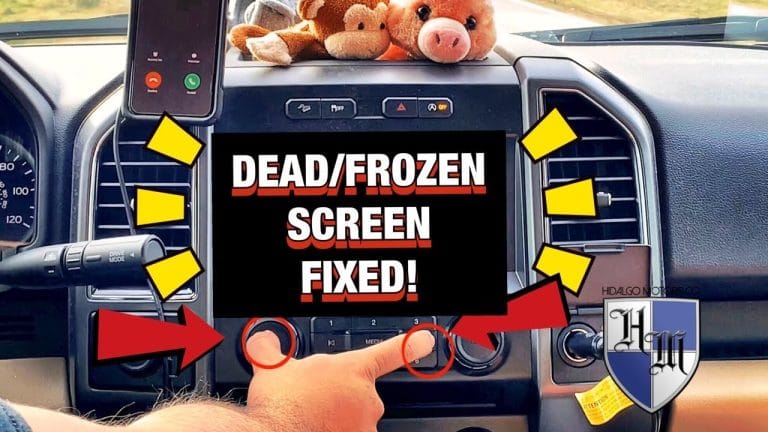
    To reset the Ford F150 screen, simultaneously press and hold the Seek up and the audio unit Power buttons until the screen goes black. Additionally, in your phone, select SYNC, delete it, go to the SYNC screen menu, navigate to SYNC settings, choose master reset, and confirm it by selecting yes. By performing these steps,…

    Read More Reset F150 Screen: Master the Art of Reviving Your Ford SyncContinue

  • How to Turn off Seatbelt Alarm Ford F150
    Ford F150

    How to Turn off Seatbelt Alarm: Ford F150 Guide

    ByRizon December 2, 2024September 17, 2026

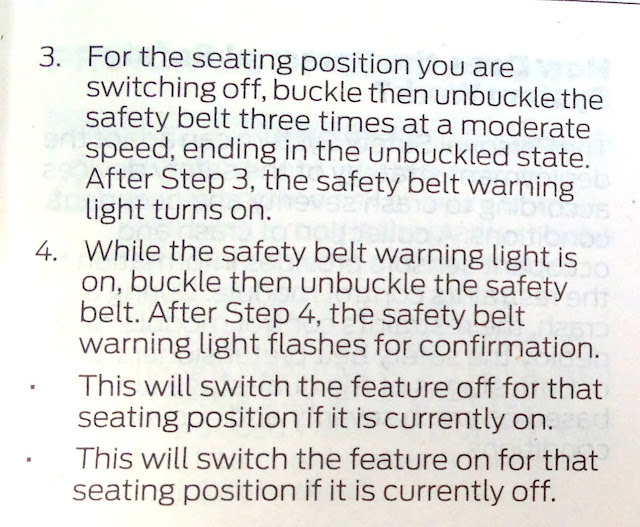
    To turn off the seatbelt alarm in a Ford F150, start by setting the parking brake, then buckle and unbuckle the seatbelt nine times. Methods To Turn Off Seatbelt Alarm If you own a Ford F150, you might find the seatbelt alarm to be bothersome at times. While it is important to prioritize safety and…

    Read More How to Turn off Seatbelt Alarm: Ford F150 GuideContinue

Page navigation

Previous PagePrevious 1 … 45 46 47 48 49 … 66 Next PageNext

Roadmomentum.com is a participant in the Amazon Services LLC Associates Program, an affiliate advertising program designed to provide a means for sites to earn advertising fees by advertising and linking to Amazon.com

Roadmomentum.com is reader-supported. When you buy through links on our site, we may earn an affiliate commission. Thanks for helping us keep the lights on.

© 2026 Road Momentum

  • Privacy policy
  • About us
  • Contact us
Scroll to top
  • Home
  • F150
  • F250
  • Reviews
Search